ads.txt is the file that is used by ad providers to determine what ads should be served on what sites. It is a form of verification and helps to prevent fraud.
If you run your own ad waterfall, or use a third party ad provider you may have to frequently update your ads.txt file in order to keep up to date with the latest providers. Keeping ads.txt up to date ensures that you are paid for the most up to date list of advertisers and networks.
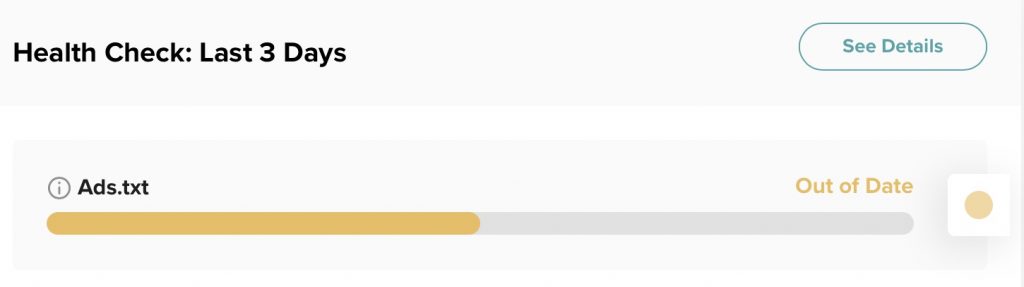
I have just updated this file manually when a new file is released. On our blog we have a Mediavine plugin from our ad provider that does this automatically, so when it changed I would just update it on our main www site. The IAB ads.txt 1.02 standard allows you a single redirect, so now that our ad provider Mediavine supports this standard I thought I would finally automate it and stop adding it to our source code checkins on our main www site. In nginx, it’s a simple redirect or rewrite.
You can add this location directive to your nginx server block config:
location /ads.txt {
return 301 https://adstxt.mediavine.com/sites/{YOUR-SITENAME}/ads.txt;
}
Alternatively, you could add a rewrite rule:
rewrite ^/ads.txt$ https://adstxt.mediavine.com/sites/{YOUR-SITENAME}/ads.txt permanent;Test the redirect by loading yourdomainname/ads.txt in a browser. Huzzah, yay for redirects.
If you’re not editing your web config directly, you could also use cpanel, your wordpress redirections plugin, rankmath redirections, or other admin tool.
If you want a list of more comprehensive steps to check that your ads.txt is working correctly, check out google’s admanager post.